Buffer
The code below uses the Toolbox SDK, which you can install with pip install toolbox-sdk.
Additional Python examples: using SDK, using Requests. If you prefer other programming language or need full API reference, check out Toolbox OpenAPI as well.
Docs
Computes buffer areas for all features in an input layer using a fixed or attribute-based distance.
Inputs:
Source file. Single file or ZIP with any OGR-compatible vector dataset.
-
Buffer distance source. Where to take the buffer distance from:
Value;
Attribute;
Buffer distance - buffer distance when Value is selected;
Attribute name - numeric attribute containing buffer distances if Attribute is selected;
-
Calculation CRS - coordinate reference system used for buffering:
Source layer internal CRS (Internal);
Optimal UTM Zone (UTM);
Segments - number of segments used to approximate a quarter circle in rounded buffers;
Merge overlaps - dissolve overlapping buffers. Disconnected dissolved parts are written as separate features;
-
Output format - format of the output buffer dataset:
GeoPackage (GPKG);
GeoJSON (GeoJSON);
-
Output CRS - coordinate reference system of the output file:
Source layer internal CRS (Internal);
WGS84 (EPSG:4326) (WGS84);
Pseudo Mercator (EPSG:3857) (Pseudo Mercator);
Optimal UTM Zone (UTM).
Outputs:
GeoPackage file.
Example:
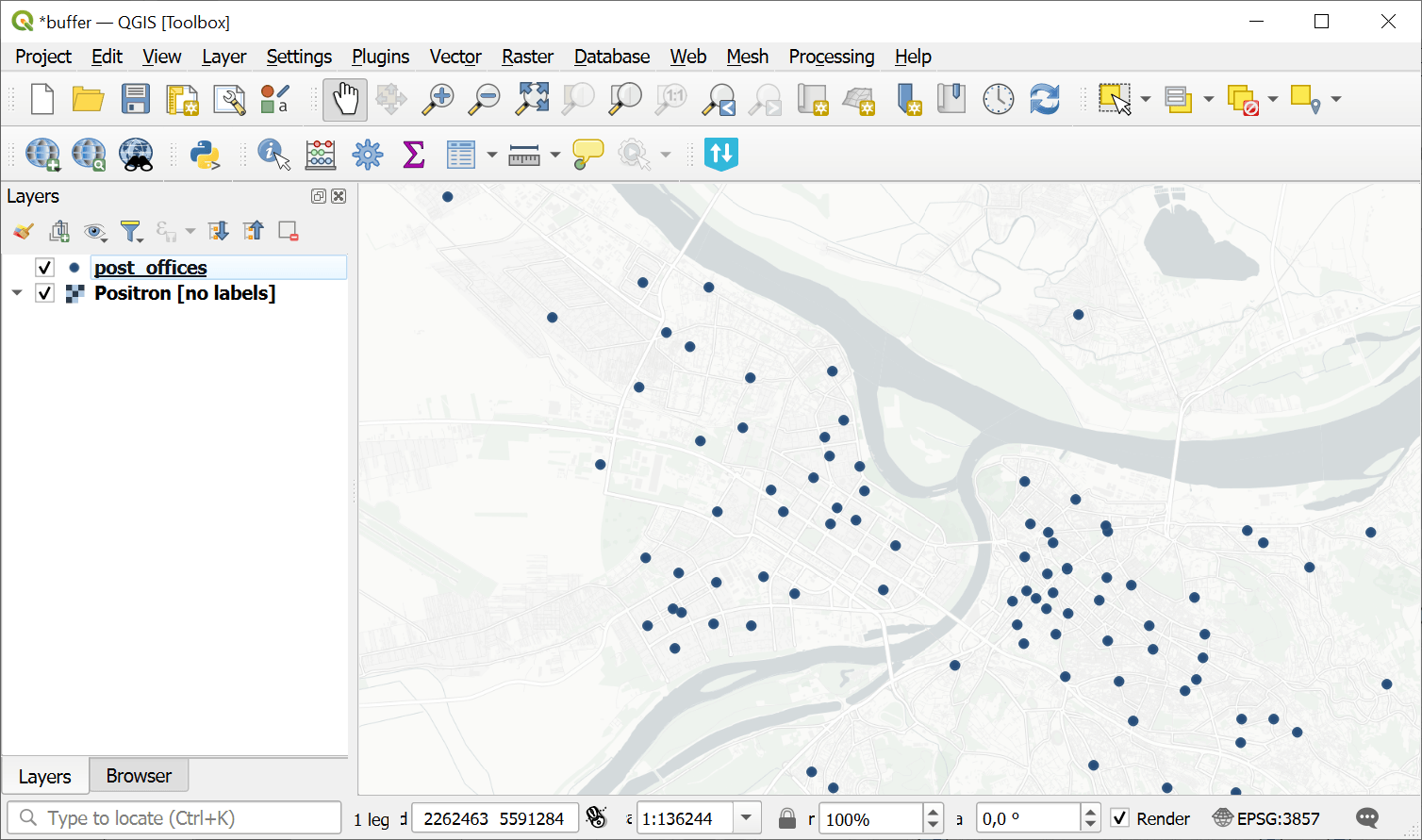
Source point layer
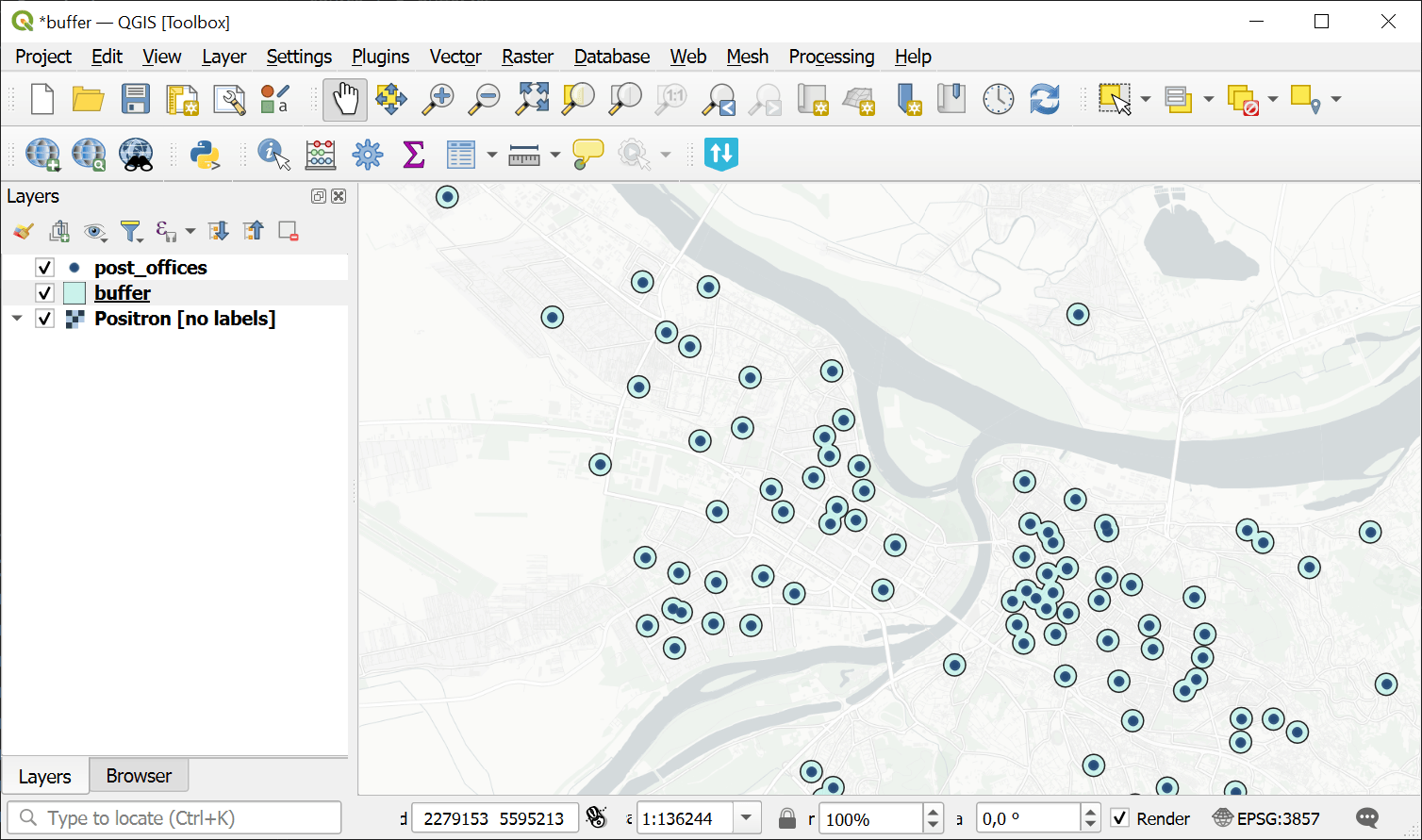
Buffer zones created around the points
Try the tool in action
Click on the Demo button above the tool form. The fields are filled in with demo values.
Click on the Run button.