Spatial Join (Join attribute by location)
Add into layer 1 attribute from intersected feature in layer 2.
The code below uses the Toolbox SDK, which you can install with pip install toolbox-sdk.
Additional Python examples: using SDK, using Requests. If you prefer other programming language or need full API reference, check out Toolbox OpenAPI as well.
Docs
Insert into layer 1 attribute from intersects feature in layer 2
Inputs:
Vector layer 1
Polygon layer 2
Name of attibute in layer 2
Outputs:
ZIP with Shapefile layer 1 with added attribute
QML style file
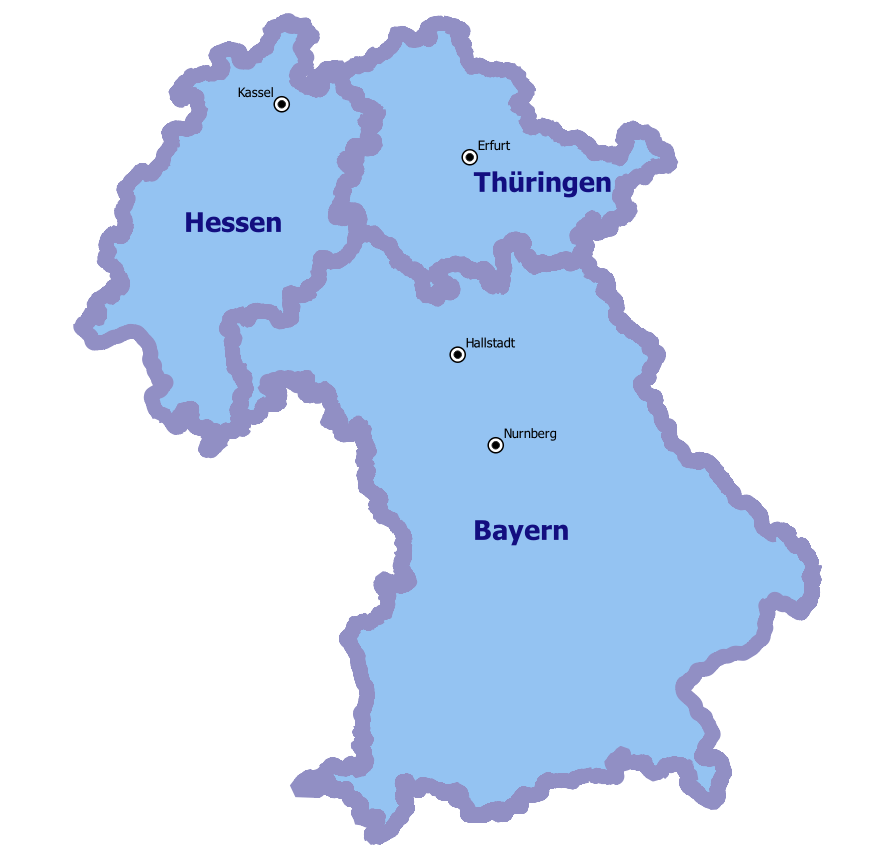
Example of source data: cities and regions
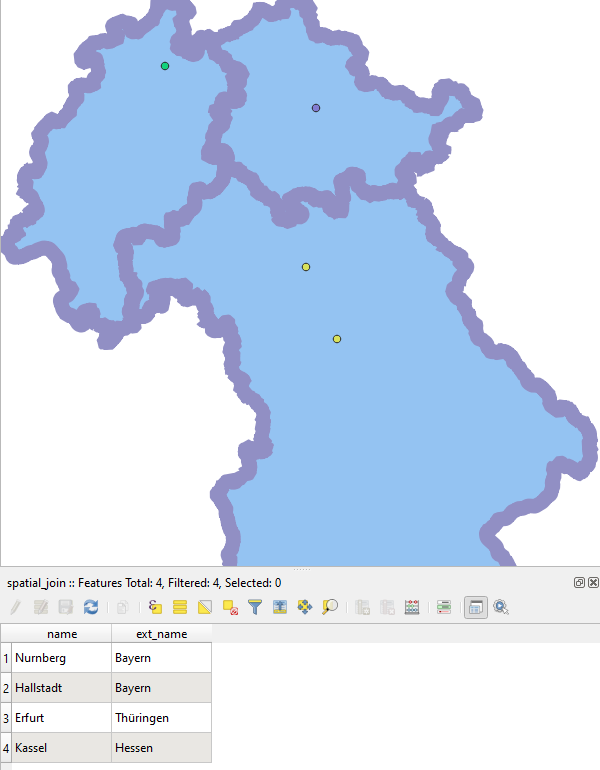
Example output: cities with added region name
Try the tool in action
Click on the Demo button above the tool form. The fields are filled in with demo values.
Click on the Run button.