Import PastVu photos to Web GIS
The code below uses the Toolbox SDK, which you can install with pip install toolbox-sdk.
Additional Python examples: using SDK, using Requests. If you prefer other programming language or need full API reference, check out Toolbox OpenAPI as well.
Docs
Transfer points with photo from PastVu to vector layer with attachments.
Inputs:
Web GIS connection - URL of your Web GIS, e.g. https://demo.nextgis.com and login/password if necessary;
Import bounding box - you can mark it on a map, draw it and then correct the numbers or enter the extent manually following the format ‘xmin, xmax, ymin, ymax’. Enter coordinates in WGS 84 (EPSG:4326). Bounding box area shouldn’t exceed 50 km²;
Create Web Map - check this option if you want to create a Web Map displaying the layer with photos.
Outputs:
Resource group containing the layer with photo attachments;
Web Map (if selected).
Example:
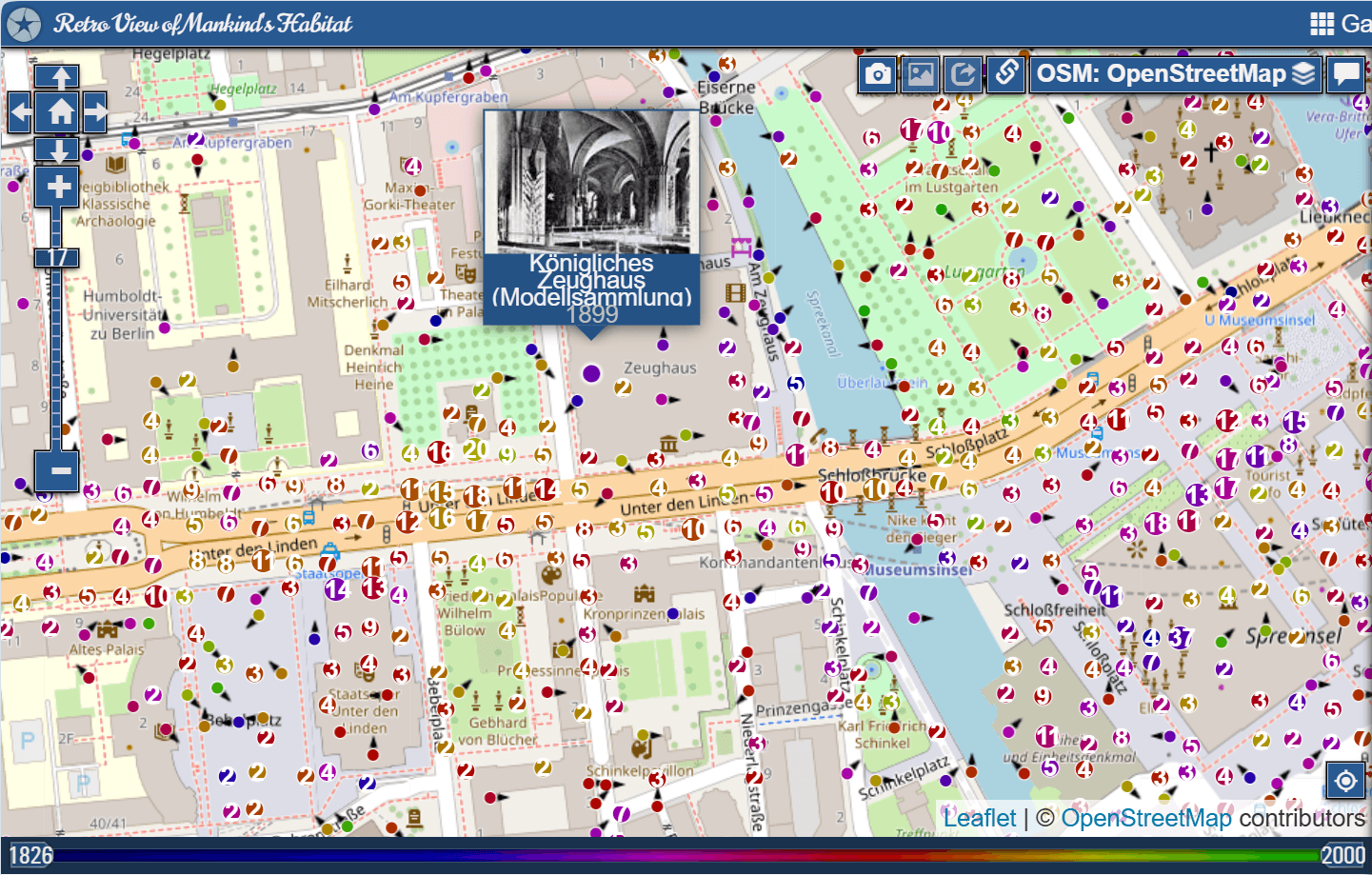
An area on Pastvu
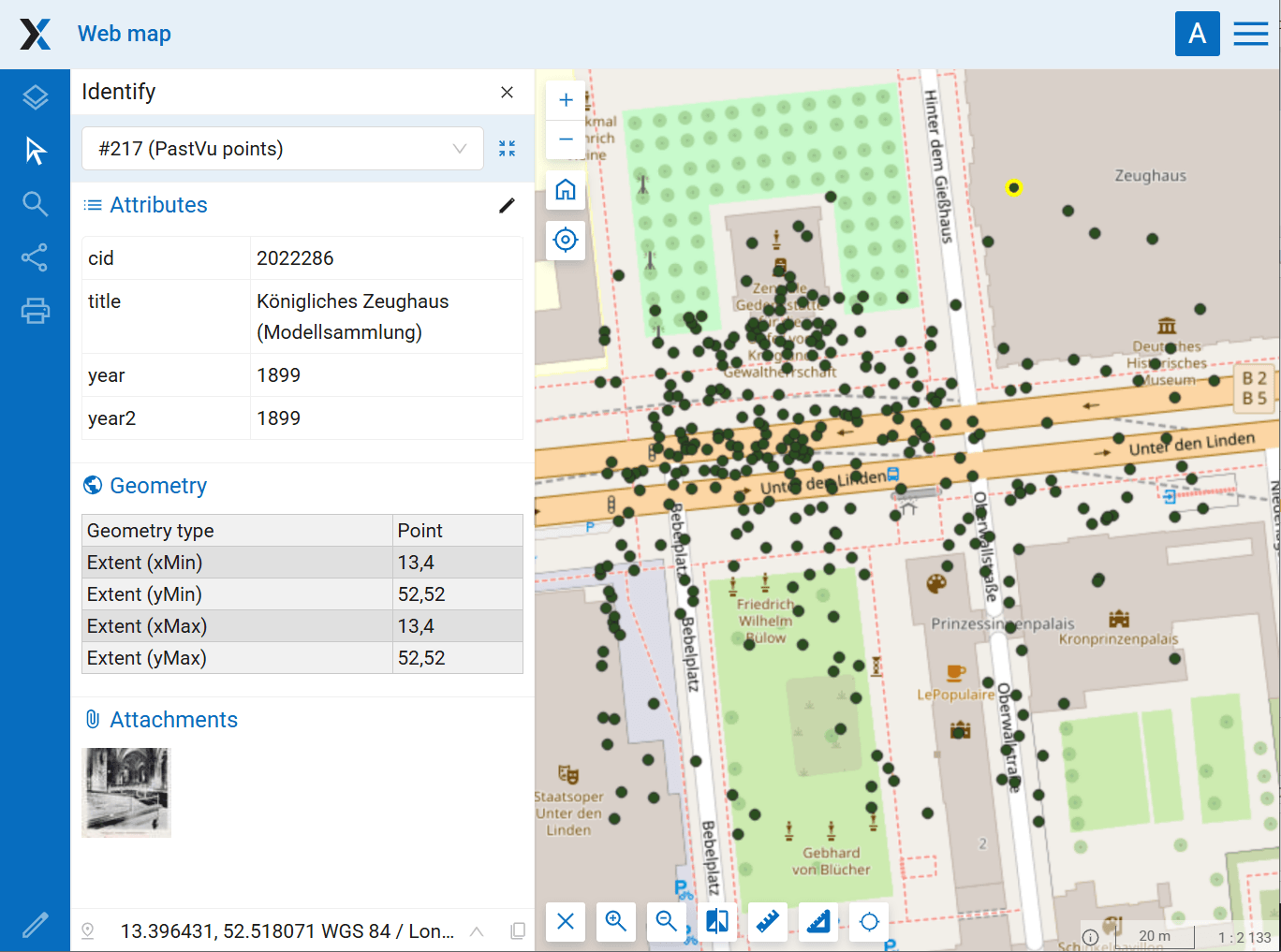
Resulting Web Map with attached photos
Try the tool in action
Click on the Demo button above the tool form. The fields are filled in with demo values.
Click on the Run button.