Resource group to Web Map
The code below uses the Toolbox SDK, which you can install with pip install toolbox-sdk.
Additional Python examples: using SDK, using Requests. If you prefer other programming language or need full API reference, check out Toolbox OpenAPI as well.
Docs
Creates a Web Map from vector and raster layers of a resource group. Web Map extent is set to the combined extent of all the layers.
Inputs:
Web GIS address - URL of your Web GIS, e.g. https://demo.nextgis.com and login/password if necessary;
Resource group ID - number at the end of the link to the folder with layers. For Main resource group ID=0;
Web Map name - name of the Web Map to create. If not set, a name will be generated automatically (group name + “map”);
Create default style - if a layer has no style, creates a default one instead of skipping the layer. If disabled, layers with no styles are not included in the Web Map;
Overwrite Web Map. If a Web Map with the same name already exists in the resource group, replace it.
Outputs:
Link to the Web Map;
Error log
Example:
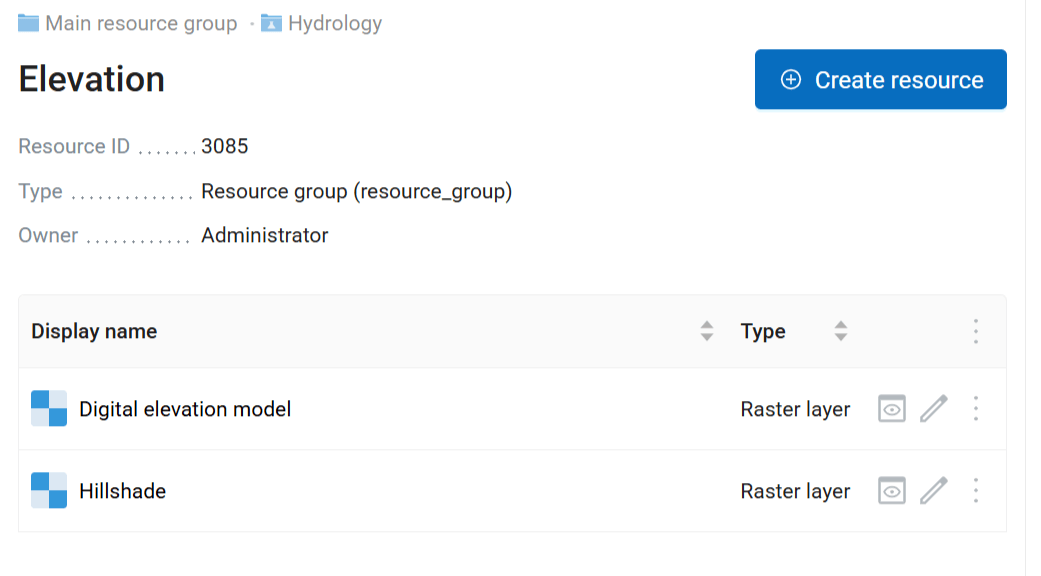
Source group containing raster layers
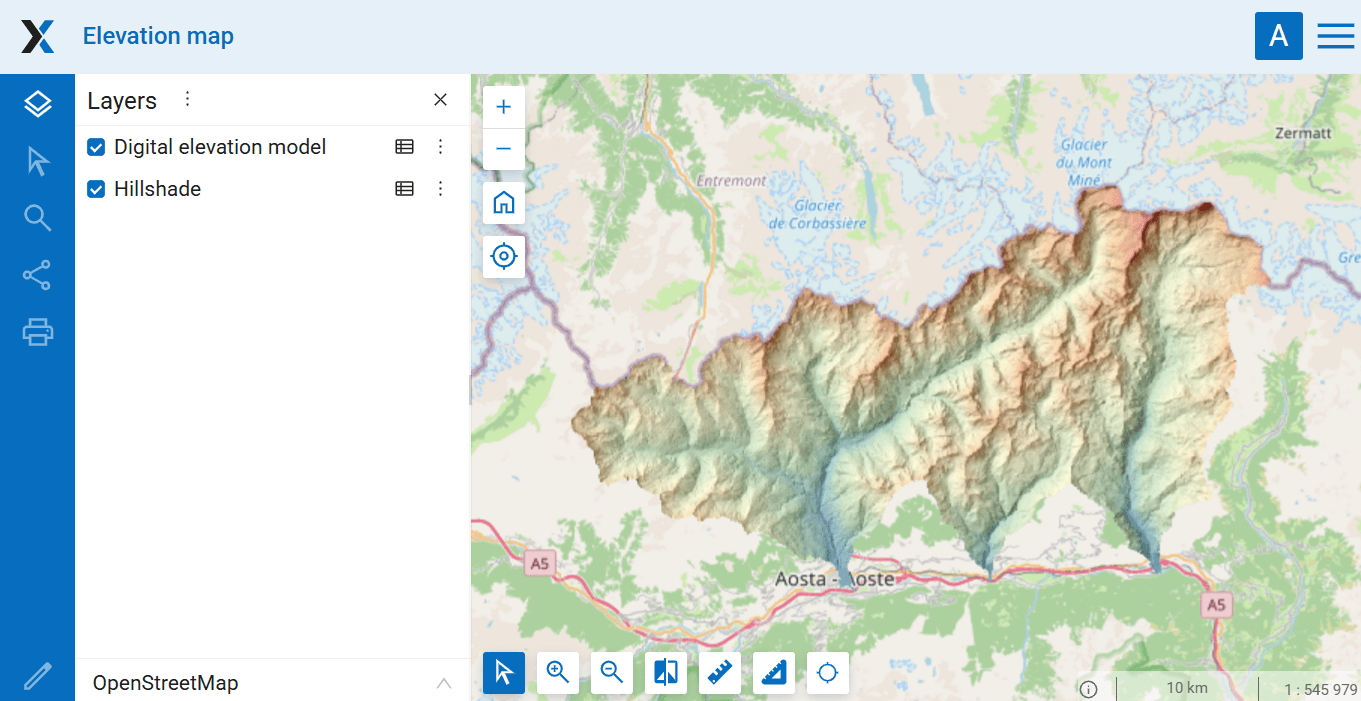
Resulting Web Map
Try the tool in action
Click on the Demo button above the tool form. The fields are filled in with demo values.
Click on the Run button.